Easy to Use
Clean screens, simple taps
WhatsApp Status Saver makes it easy to view, preview and save your favorite status images and videos directly on your device.
Your media stays on your device.
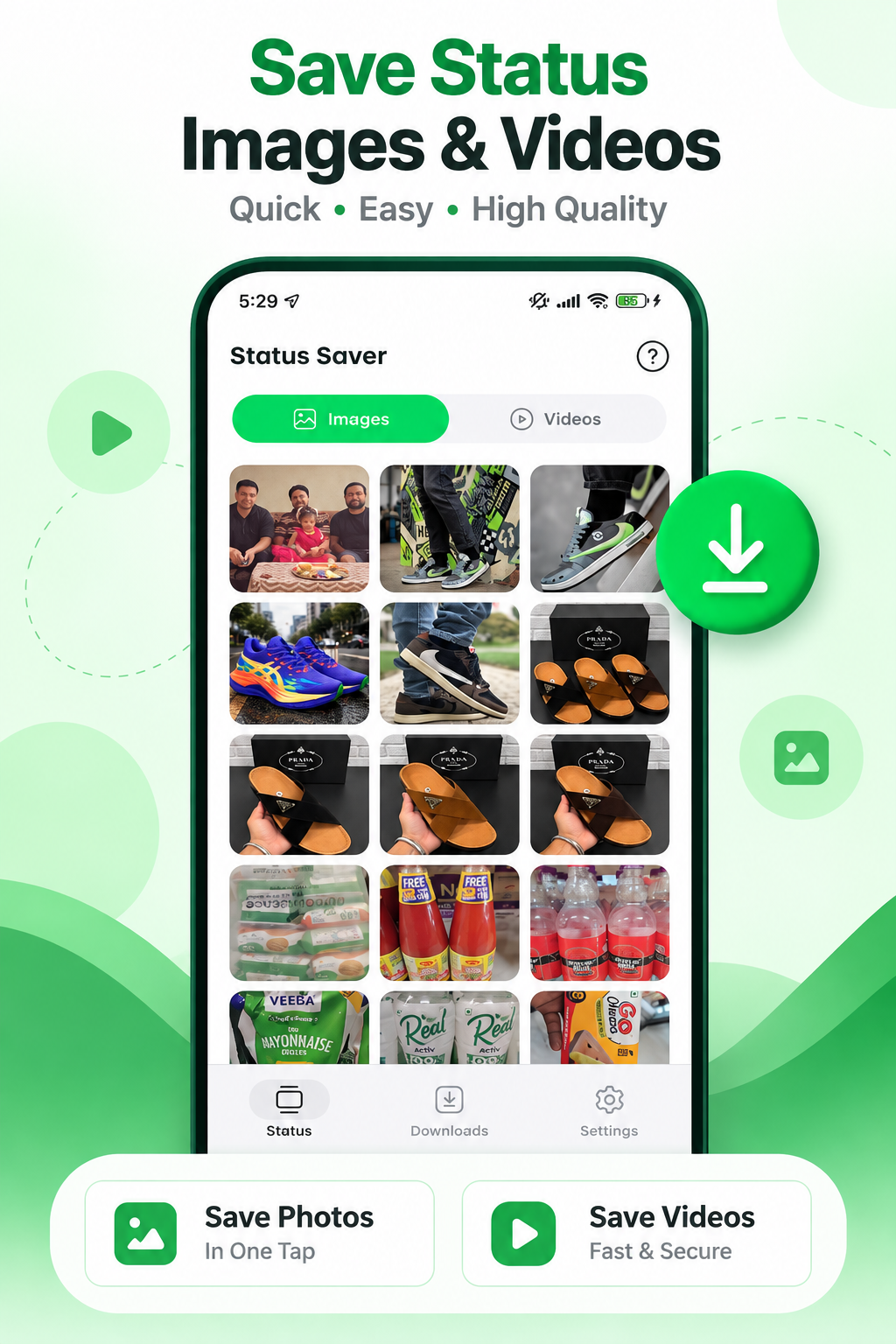
Clean screens, simple taps
Preview photos and clips
Save statuses in a few taps
No WhatsApp login needed
Simple tools designed to make status saving quick and convenient.
Save status images to your device with just a few taps.
Preview and save status videos easily.
View status images in a clean and immersive preview experience.
Watch status videos before saving them.
Keep your saved statuses organized and easy to access.
Get notified when new status content is available.
Enjoy a comfortable viewing experience in dark mode.
Clean interface with a smooth and lightweight experience.
Preview, organize and revisit statuses with a calm, focused interface.
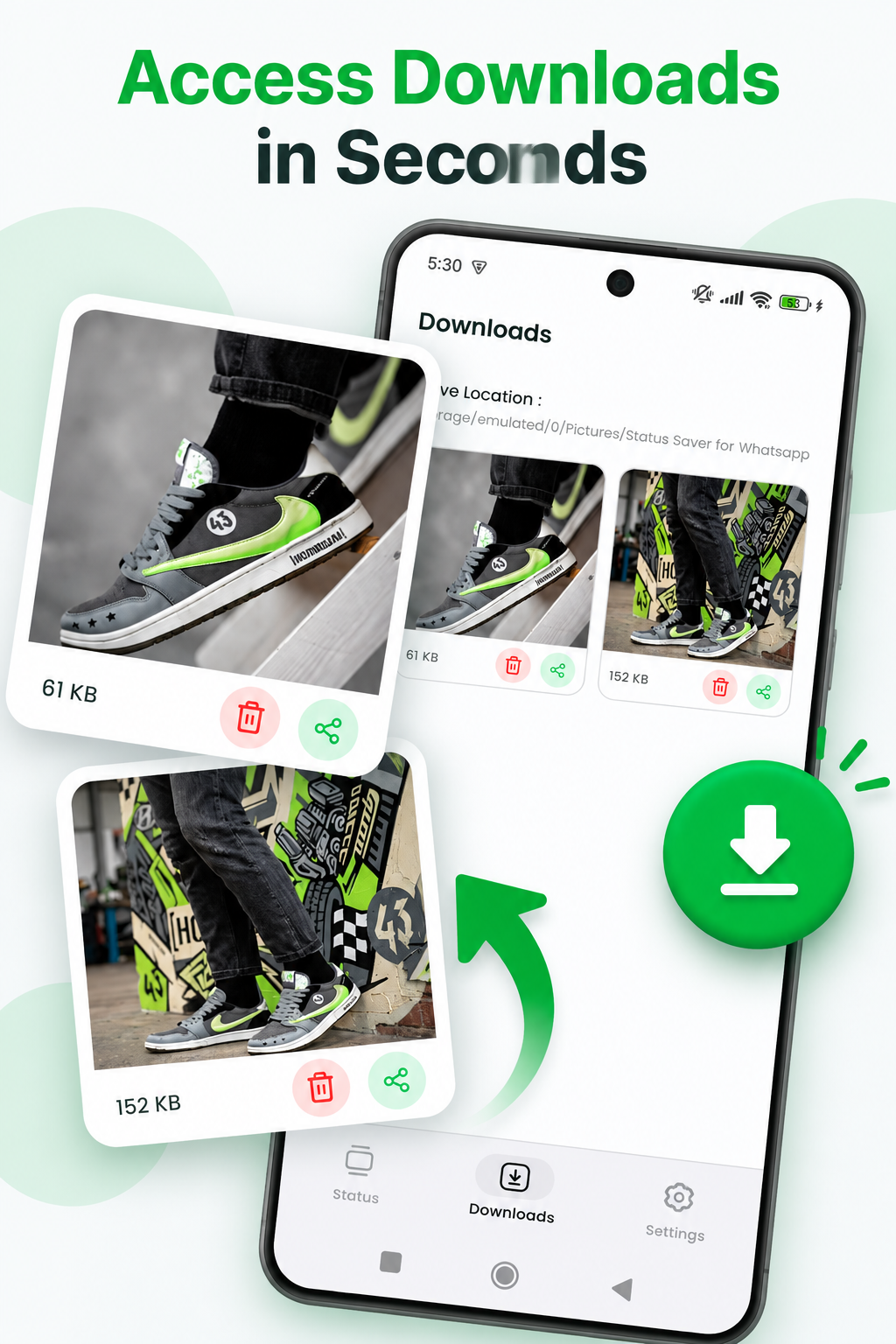
Saved statuses
Browse the statuses you have already saved, then share or remove them when you are done. Your files stay on your device for personal use.
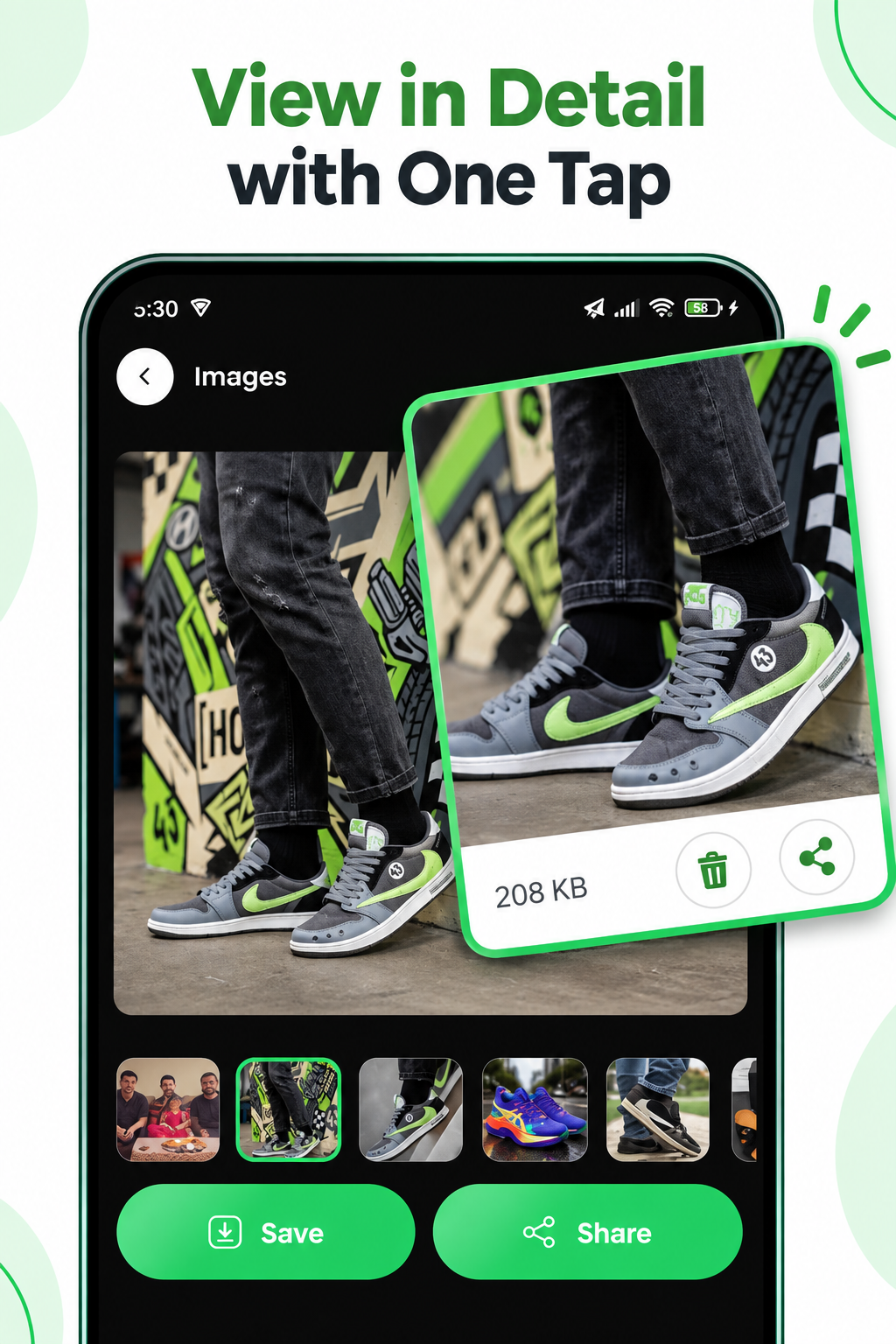
Image preview
View status images in a clean and immersive preview experience before you decide to save them.
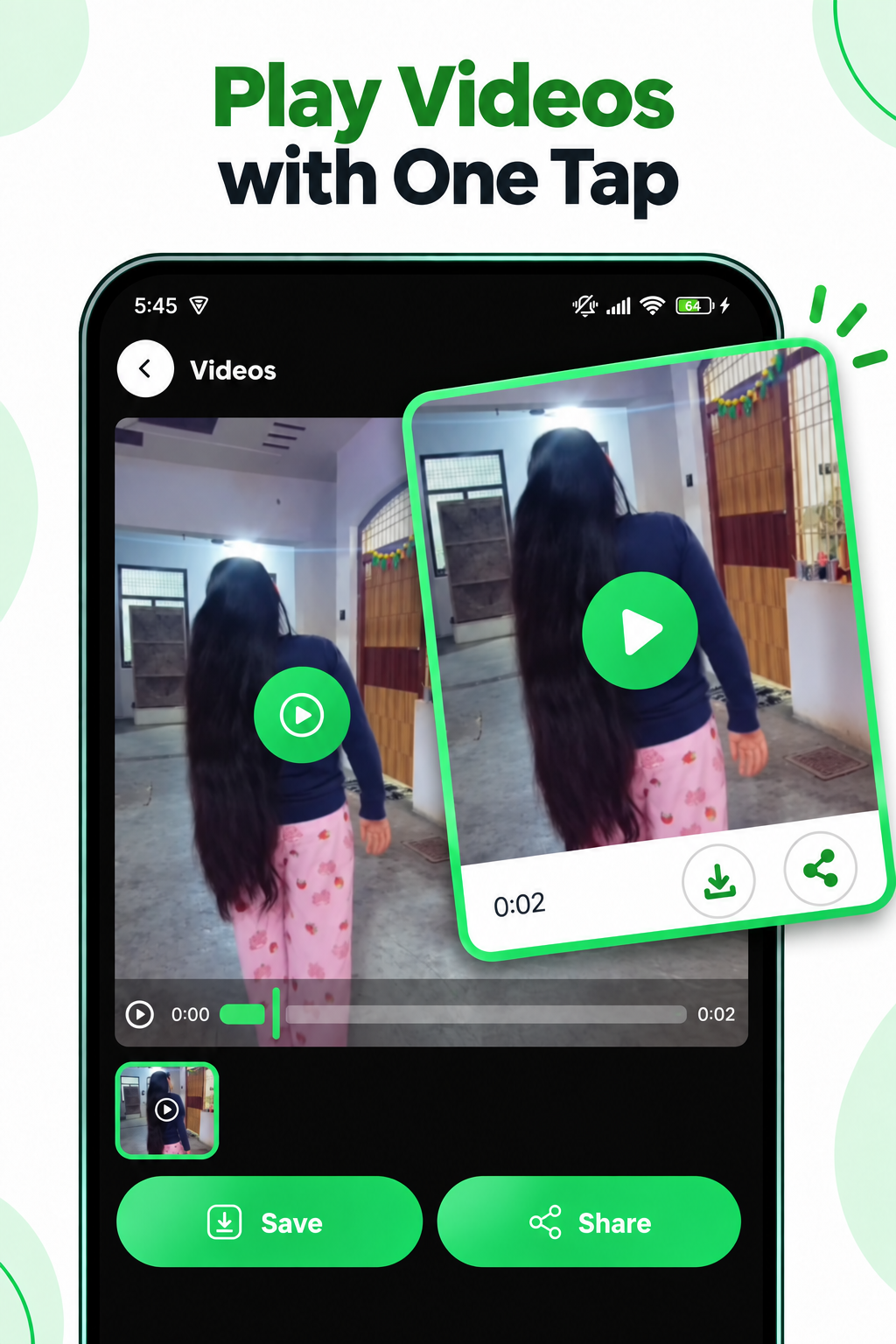
Video preview
Play status videos with simple controls so you can preview the clip, then save it to your device when you are ready.
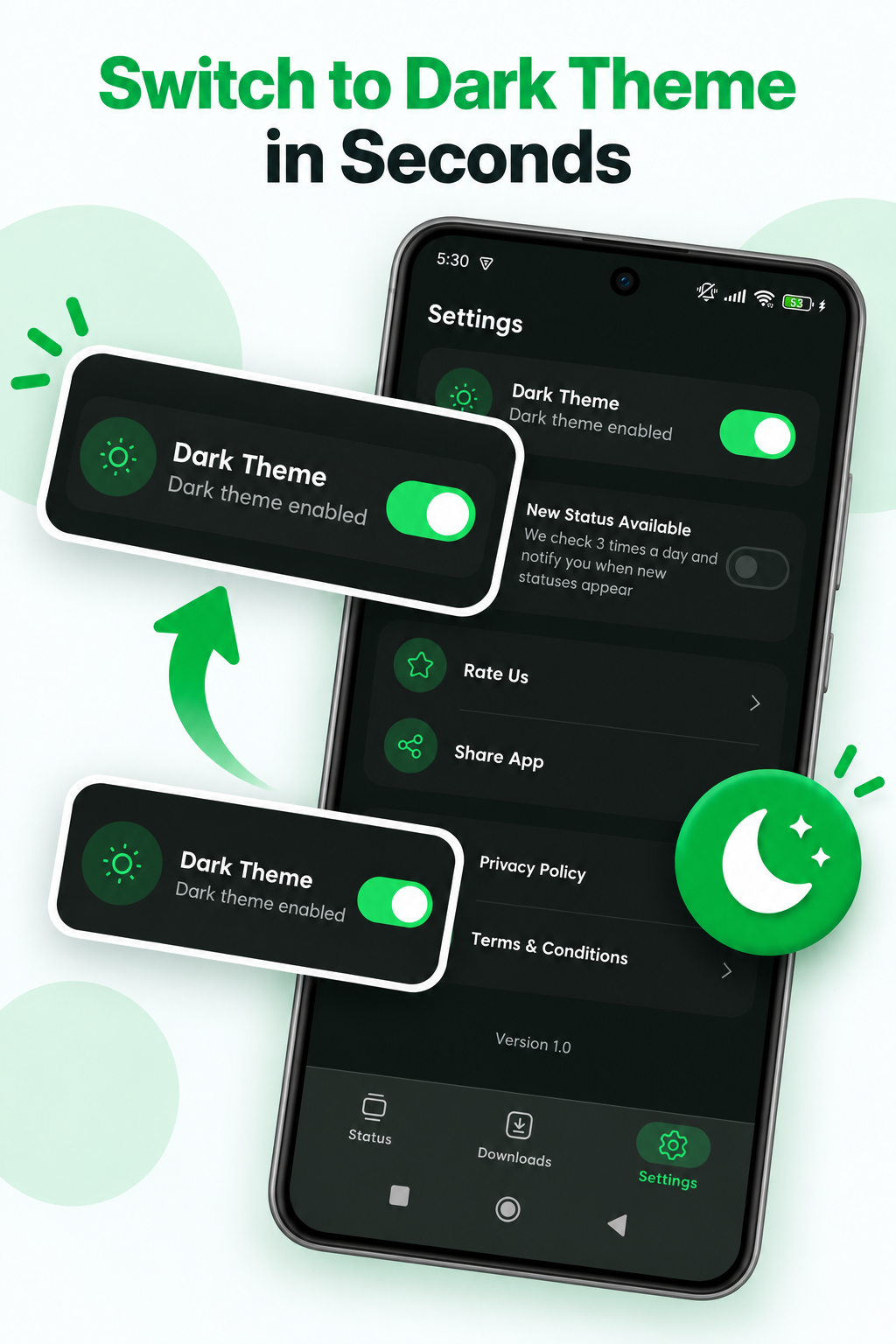
Dark mode
Switch to dark mode from Settings for a calmer viewing experience while you browse and preview statuses.
Three simple steps from browsing a status to saving it on your phone.
Open the app and browse available WhatsApp statuses.
Open an image or video to preview it before saving.
Save your favorite status media to your device.
Swipe through the main screens of WhatsApp Status Saver.
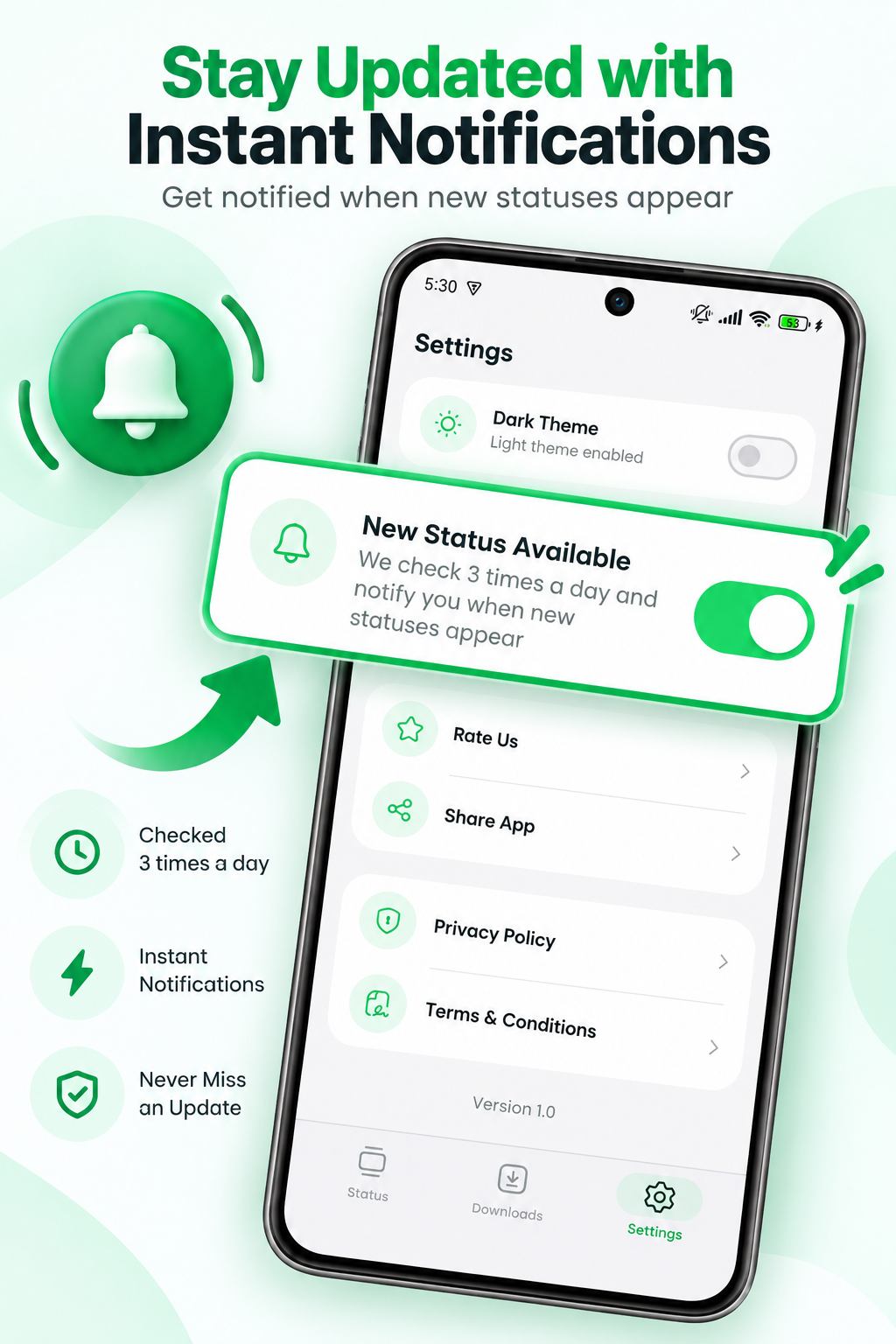
Swipe or scroll sideways to see more screens
WhatsApp Status Saver is designed with a privacy-focused experience. The app does not require you to share your WhatsApp account credentials. Status media is accessed from the locations available on your device and saved locally for your personal use.
Download WhatsApp Status Saver and enjoy a simple way to view, preview and save status images and videos.
Download on Google Play